Emergency recovery of a shared web and mail hosting VPS [Case Study]

A small side-effect of my community and blogging work is, that I occassionaly (a few times per month) have people reach out to me asking for advice on a variety of topics, or for help if they are in a pickle. The lastest case was a guy from Czechia (Let’s call him Mr. D), asking for help with his pwnd web/mail server. It had a multiple glaring issues and even after my intervention is probably a minefield of vulnerabilities and backdoor. Since I am in the last year (hopefully) of my PhD studies and am currently swamped by my regular job as well, I didn’t have time to spend properly investigating and fixing all the issues in a manner that I would feel comfortable getting paid for, I’ve decided to perform the bare minimum to get the site up and running “pro bono”. ...


Setting up a VPS for several small e-commerce businesses (part 1)

Over the years, I’ve had the opportunity to set up a few websites, both static and dynamically generated. A few years ago, I’ve settled on Wordpress as my default choice, initially simply building up sites from themes and plugins, until I bit the bullet and started adding my own snippets of PHP and later building a full, albeit simple, custom theme. This series will hopefully prove to you that setting up a web server, mail server and other neat services is not as hard as you might assume and you can even serve several small businesses using a reasonably priced VPS. In this initial article, we’ll deal with initial setup of our Ubuntu 20.04 server and turning it into a nice little LEMP server. I am expecting you to know at least the bare minimum about terminal, ssh and how to install packages in Debian-based distributions. You should also already own a domain and know how to set up A-records.

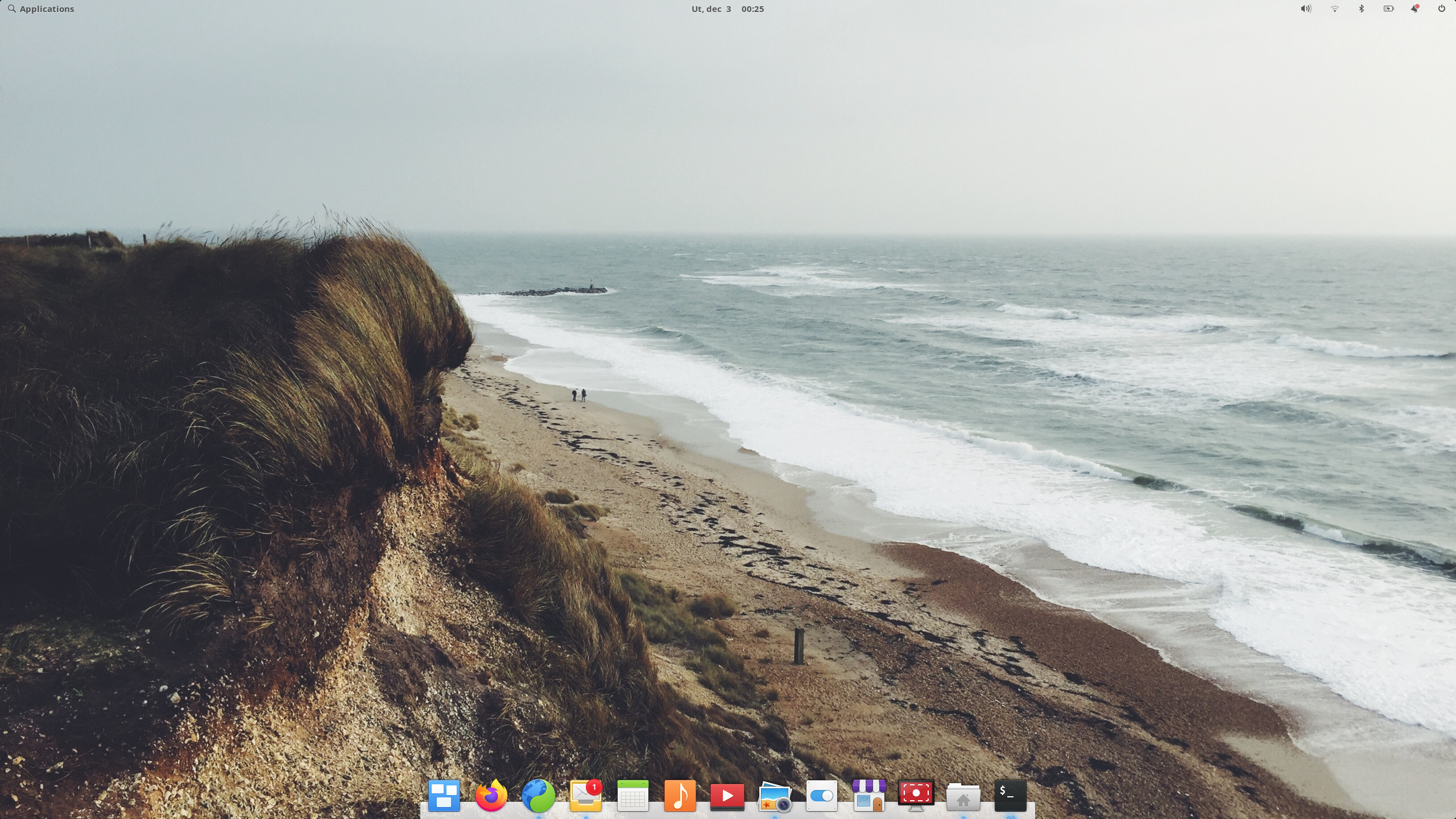
ElementaryOS 6 Odin

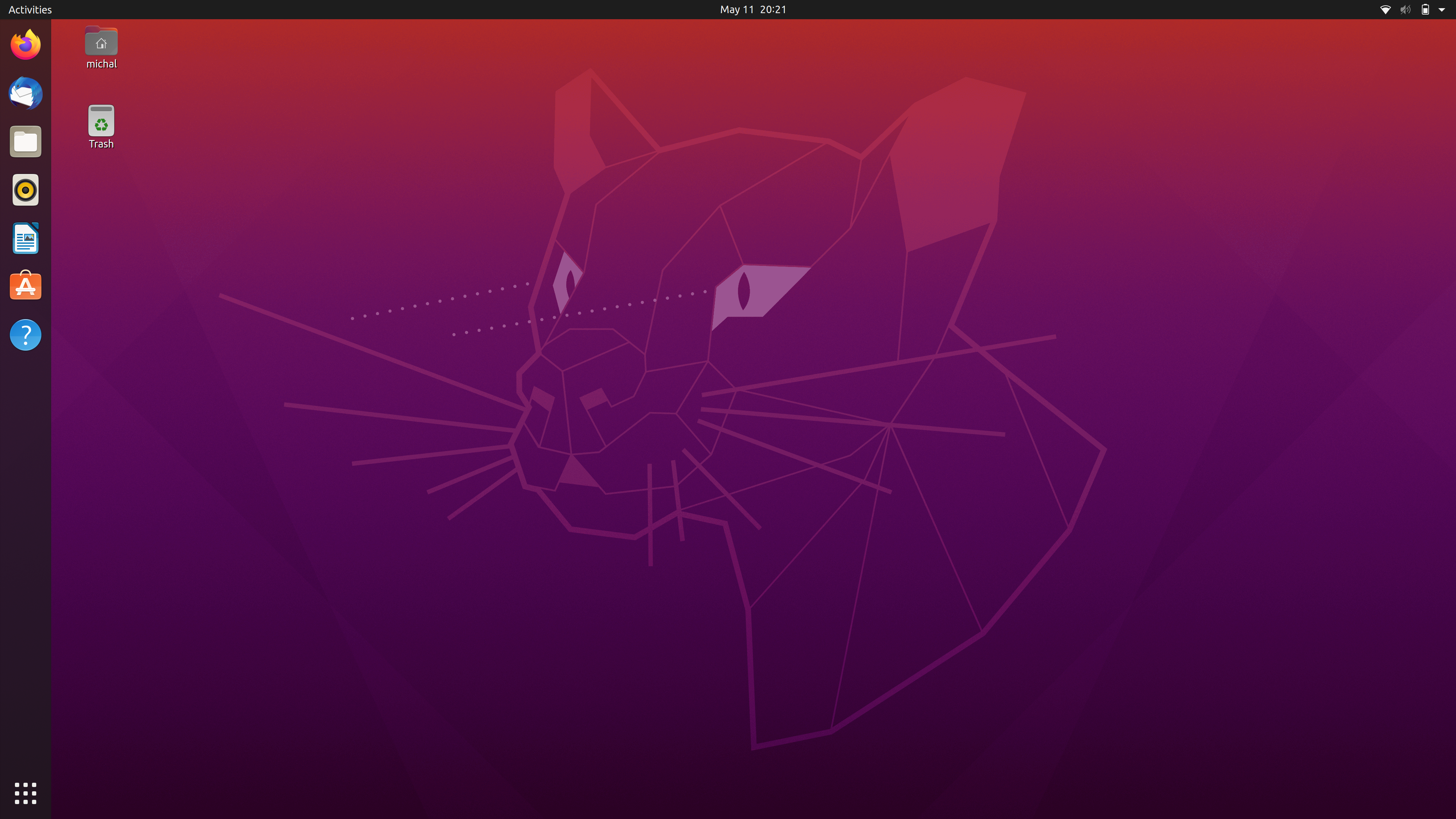
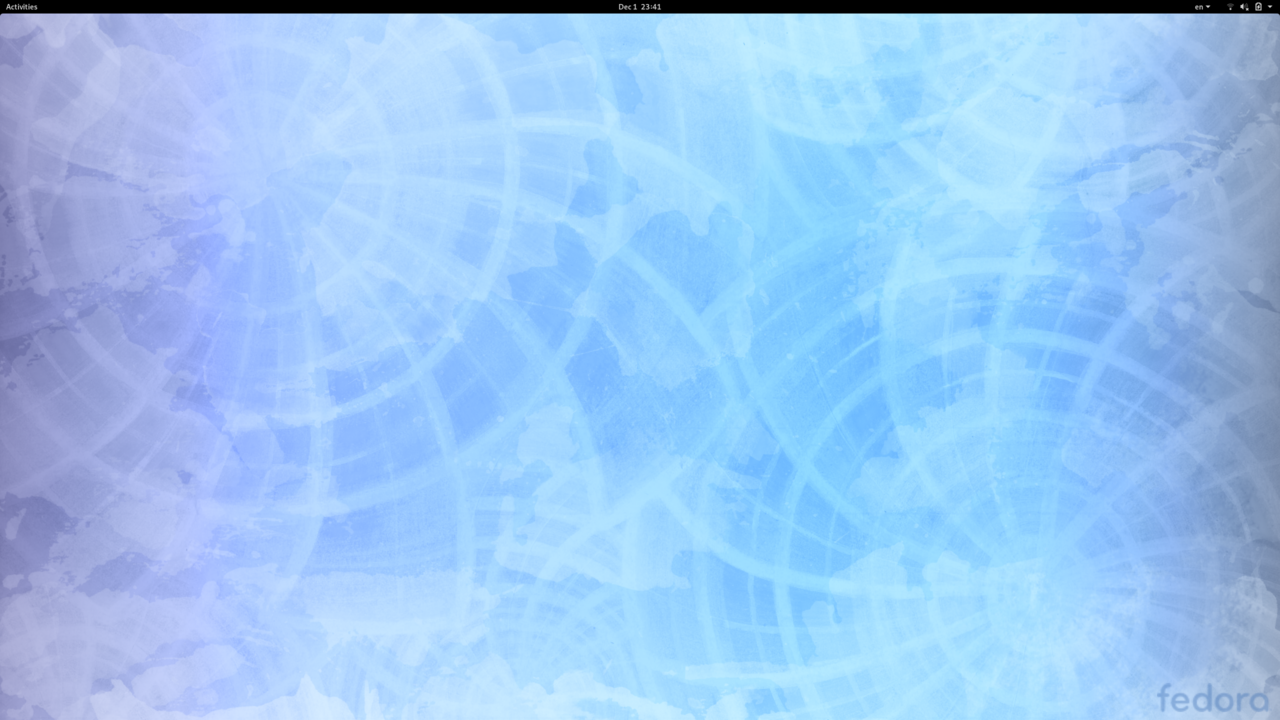
Since I haven’t written anything in a while, much less a comprehensive distribution review, a little updated background info is in order. In past years, I’ve toned down my “Linux on everything” push and went slightly more practical in my day-to-day life. I probably will write a short story on my transformation from an obsessed FOSS-only zealot to a privacy-minded, practicality-inclined user of whatever tool fits the best. I still use Ubuntu 20.04 on my workstation at the office, various Ubuntu LTS releases on my servers and a few months ago, I installed Fedora 34 on my home-office workstation (long-term review coming), but I’ve switched from a Thinkpad X1 Carbon Gen 3 with a distro-du-jour to an M1 Macbook Air running unsurprisingly macOS Big Sur. I’ve also had the unfortune to support a bunch of Windows 10 desktop, so I think I can at least compare various desktop operating systems and measure their merit. That being said, I must admit, I haven’t felt the need to write anything about new releases for the past year or so, since apart from Gnome 40 in Fedora 34, nothing really tickled my interest, and I’m holding on my review of that huge upgrade until I can try it out in a reasonably stable beta of Ubuntu 21.10. Anyways, back to the distro at hand. ...

The Sisyphean task of enabling Adobe Flash Player in a modern QT/Chromium based web browser

Prologue and motivation A part of my PhD. research deals with computer science as a source of innovative ways to improve education in Slovakia. My approach is mostly throwing eye-tracking at every problem and see where it sticks. The trouble with eye-tracking as a research method is, you often find yourself spending much more time changing the form of the content, rather than conducting actual experiments and getting some data out of it. While researching the readability of the study materials at our university I had to move around the paragraphs, trim out excess stuff, play with the image size and, in case of using headset-based eye-tracker apparatus, also surround the pages with chessboard markers to “ground” the generated heatmaps around the text itself. These changes made the eye-tracking possible, however they were time consuming and also may have tampered with the data to some degree. ...

Adding OpenCV libraries to a QT5 project in Ubuntu 20.04

I’ve recently gained interest in OpenCV. The problem with this is, that in most modern tutorials and walkthroughs it seems like the go-to language for working with this C-library is Python. I have an unreasonable antipathy towards this snake of a language and although I intend to fight through it some day in the future, at the moment I have more important stuff to deal with, so I intend to experiment with OpenCV in my own way - with a blend of noobie C++ and QT. In this quick note I’ll document for my (and whomever happens to land on this blog…) benefit the process of building a recent version of OpenCV on Ubuntu 20.04 and what arcane line to insert into the dark lord of K-prefixed apps - QtCreator. ...

Ubuntu 20.04 Focal Fossa Mega Review - A complex look at the state of Ubuntu

As somebody who’s always had Ubuntu in his daily life for the past 13 years, I sometimes find it hard to differentiate between all the versions. I do appreciate the progress though, albeit I’ve felt like the direction Ubuntu was taking was going to force me to abandon it eventually. Lately, though, I’ve enjoyed the increased polish and speed improvements of Gnome 3.36 dabbled with snap packaging, understood its “raison d’etre” and had the opportunity of participating in an Canonical hosted webinar for press to pose some questions. ...

elementary OS 5.1 Hera

When I received the newsletter letting me know that in just a few days, there would be a new point release of elementary OS, I’ve had mixed feelings. I was happy that the project I find very endearing is chugging along nicely, but I knew it would be a tough review to write. The problem with elementary OS is, that in this last release, the team behind it has been trickling down bug fixes and new features (such as the new login greeter). For this reason, it is very hard for me, as a daily user of this Linux distro, to make a clear distinction between the previous version, Juno, and this new version - codenamed Hera. I guess I’ll have to try to approach this review as if I was a completely new user, seeing the OS for the very first time. ...

Fedora 31 Review

Most people know me as a long-time Gnome hater. I admit, I’ve been hard on it, but once in a while, I do try to challenge my own views by diving into stuff I didn’t appreciate at first. For this reason, I’ve decided to give Fedora 31 some time to shine on my primary laptop. Of course, as a long-time Linux (usually Ubuntu) user, I wasn’t unfamiliar with Gnome, but I’ve never tried to use it without pulling down dozens of extensions, themes and performing a plethora of modifications and fine-tuning. This time, I’ve decided to try and see things as Gnome devs want us to. After more than a month of use, I admit I’ve warmed up to it, but I still see some glaring issues with their choices. ...

Ubuntu 19.10 Eoan Ermine Review

If you’ve read any of my previous reviews, you know that I have a difficult relationship with Gnome. I love the aesthetics, but I despise the number of desktop crashing bugs, dropped frames and the number of extra clicks you need to make to get anything done. That being said, Gnome 3.34 in Ubuntu 19.10 is a giant leap forward and if the core Gnome team supported by Canonical’s renewed efforts keep tweaking the performance and stability in subsequent releases, I may be tempted to stop distrohopping and stay with vanilla Ubuntu until something exciting happens in the Linux distributions land. ...

Manjaro 18.10 (KDE Edition) Non-Review (2019)

Manjaro is a strange beast. It’s a distribution based upon the memetic Arch Linux. That doesn’t mean it’s BFU-hostile, though, or that you have to set it all up from scratch. In fact, Manjaro is an easy to setup distro you could install for your grandparents and sleep soundly knowing they will always have the (almost) bleeding edge software, with a eye-catching minty theme on top. Of course, you’d have to first instruct them to install the upgrades whenever the Octopi Pamac software manager pops up with a notification, otherwise it could fall victim to the classic rolling-release death trap of updating after too much time has passed. So what’s the difference between Manjaro and other user-friendly distros? ...